New image editor
Undo and redo edits until an image looks right, fix a whole product's images at once, and crop with a guide that matches your store's framing.
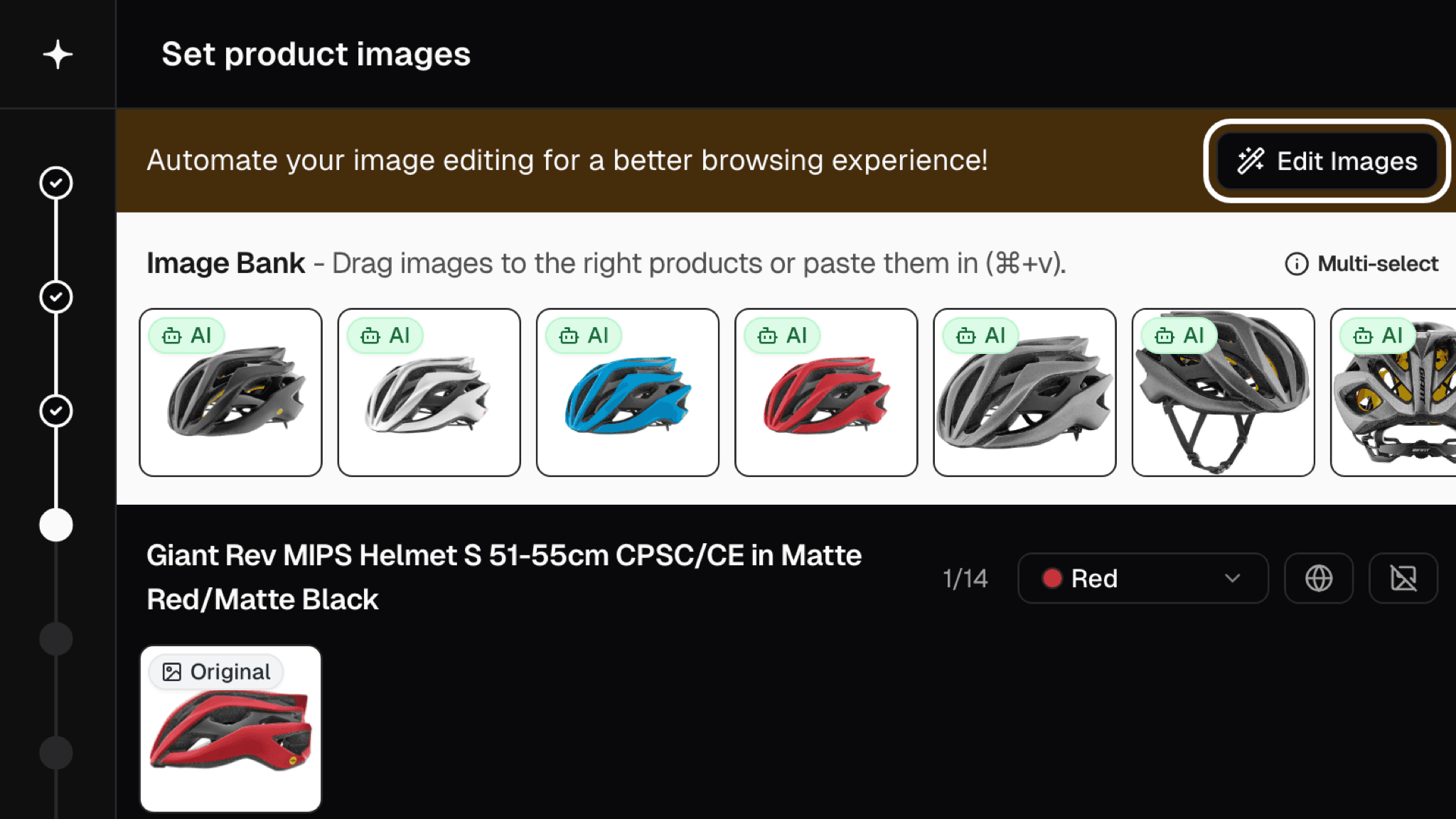
Open it with the Edit Images button at the top of the Images step. Images are grouped by product and colour, so you can pick one image, a whole colour or everything with Select all, then apply Auto, Remove background, Make square or Crop to all of them in one go.
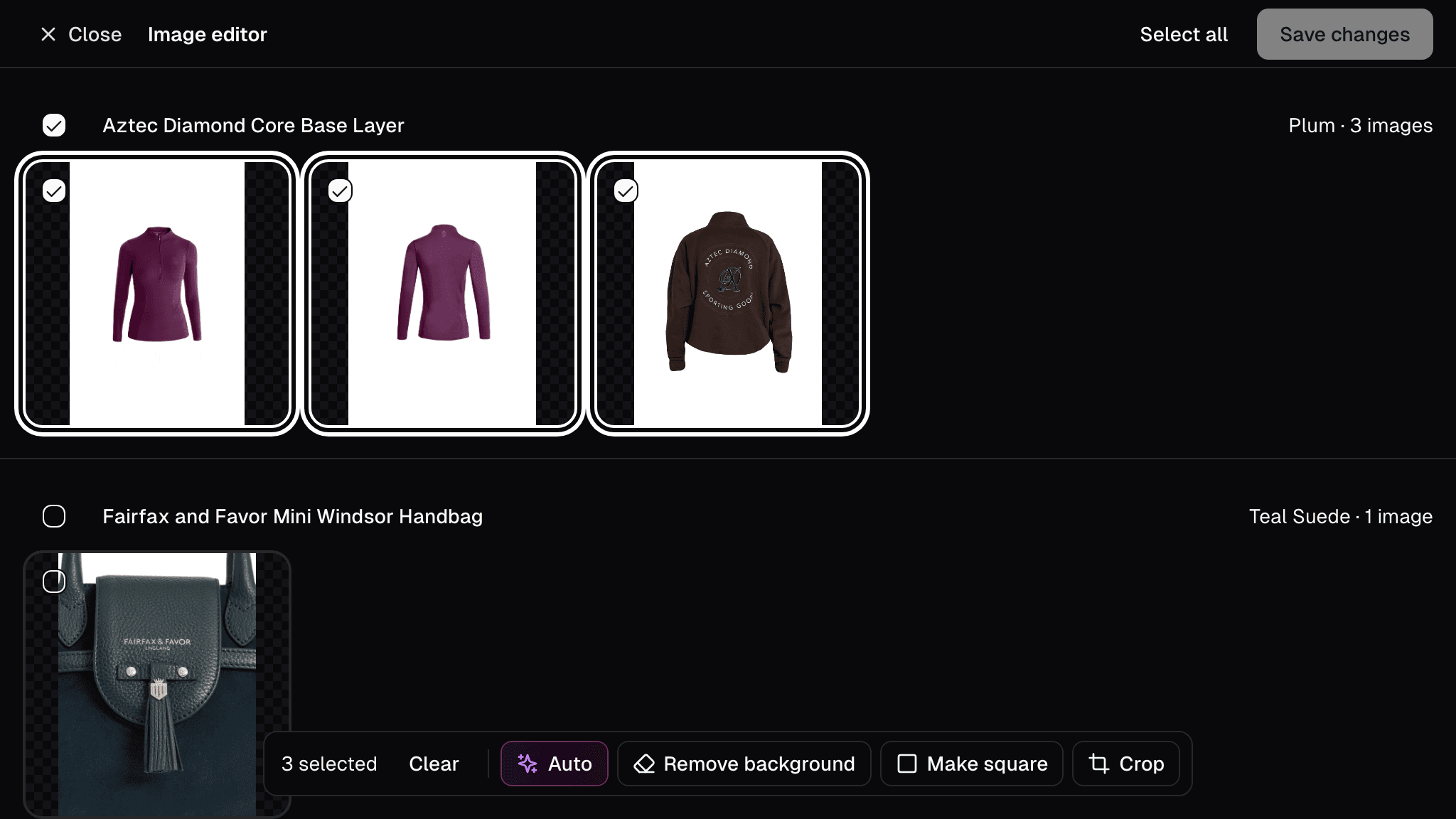
Each image has its own Undo and Redo, and Restore original takes it back to how it started, so it's safe to try something and see. If an edit is taking too long, you can cancel it.
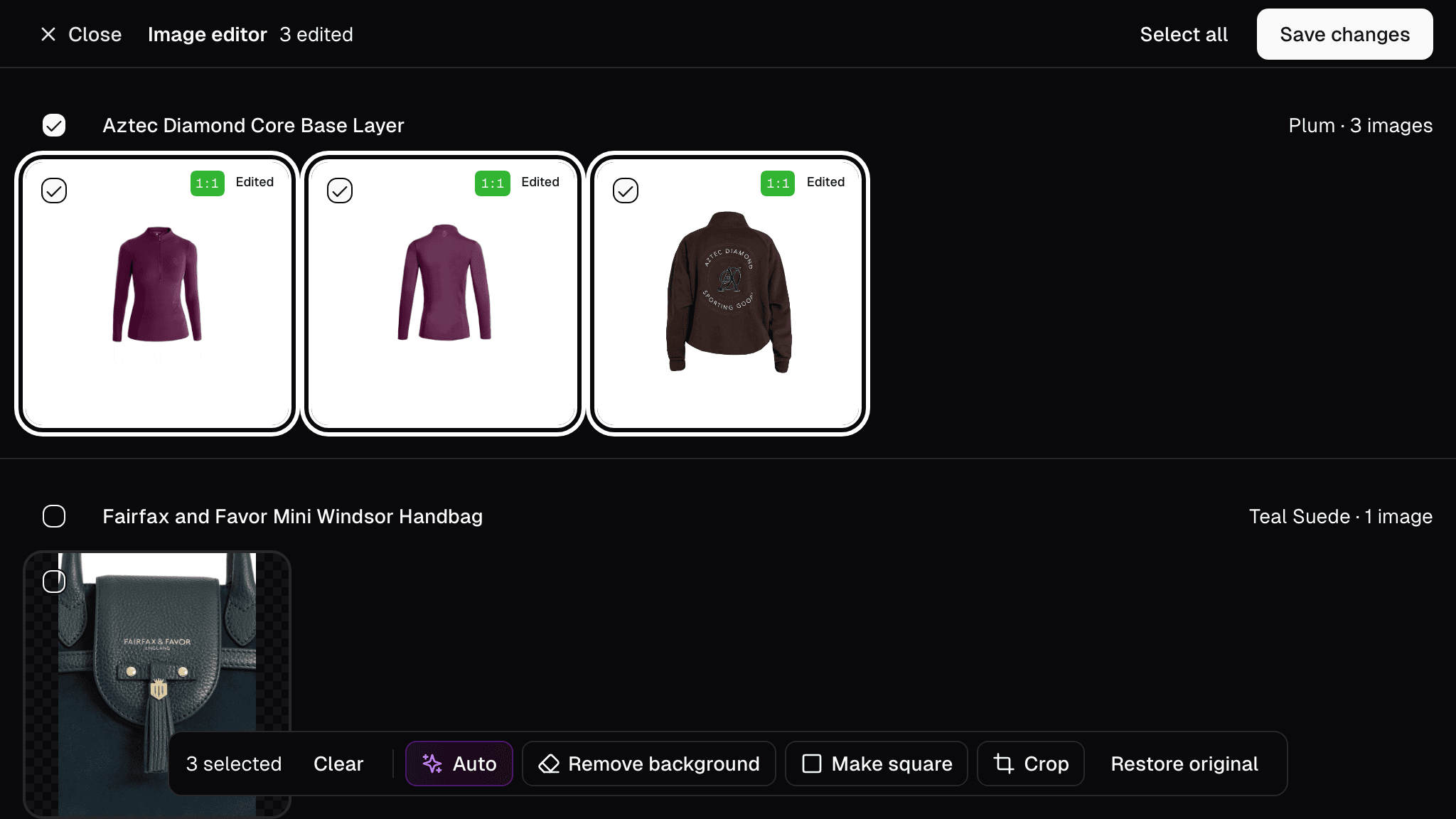
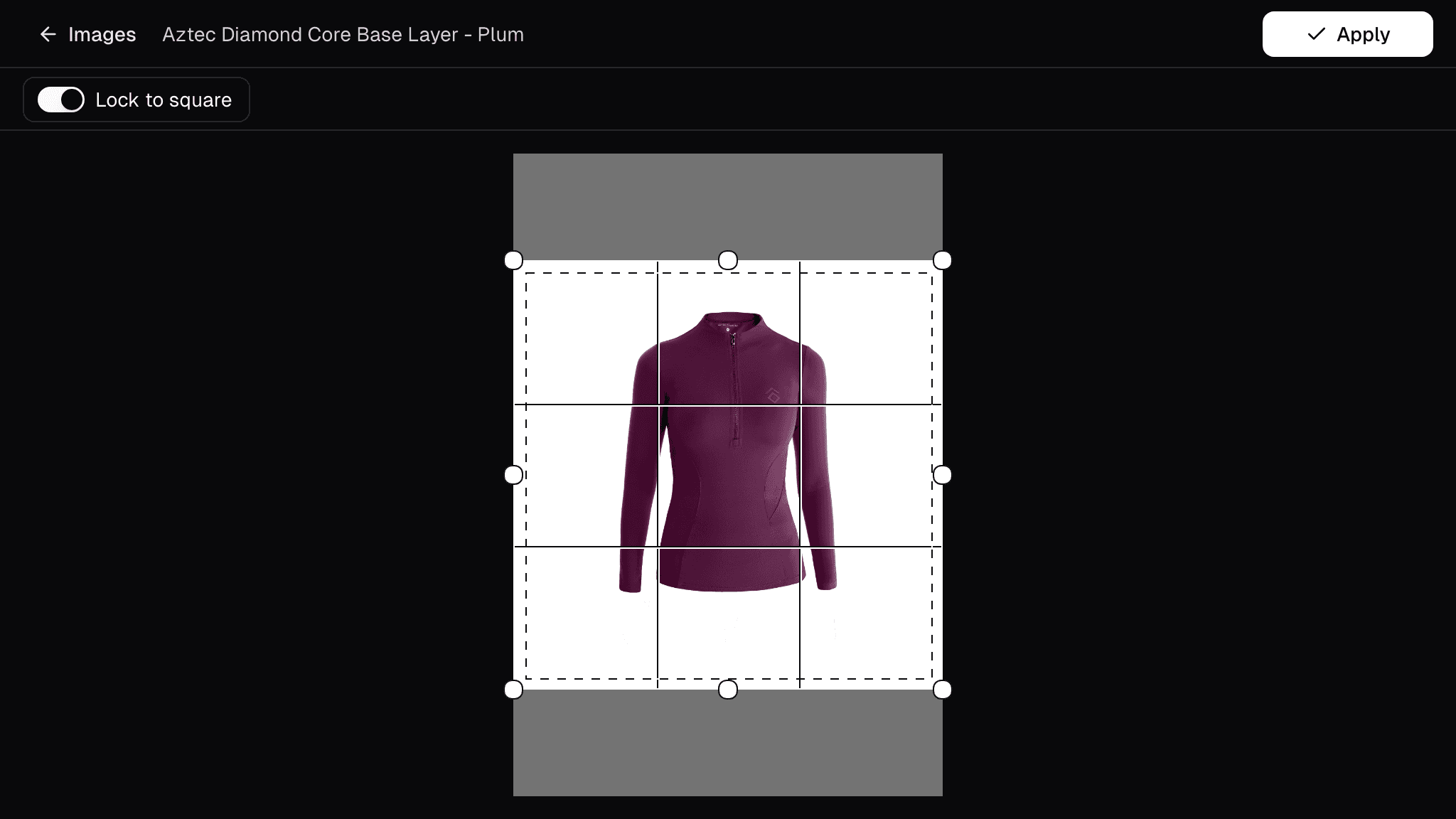
Crop shows a guide for the white border your finished images get, so you can see how the product will sit in the frame before you apply it. If you only need the shape right, Make square adds white space and never cuts anything off.
Recent updates
View all- Smarter product names
Product names are cleaner and more consistent, and handle men's, women's and kids' products better.
- Improved Quick Search
Open Quick Search from the header or with Cmd/Ctrl+K to jump straight to any app, page, product or job.
- Easier brand website preferences
See and change a brand's preferred website right where you confirm product URLs.
Get new stock live in minutes
Turbo MT sources images, descriptions and specs for you, so new stock goes live the same day.
Start a 30-day free trial


115,000+ products activated