Automatic image editing
Included at no extra cost. Product images are edited automatically with background removal, smart cropping and padding, so every image looks consistent on your website.
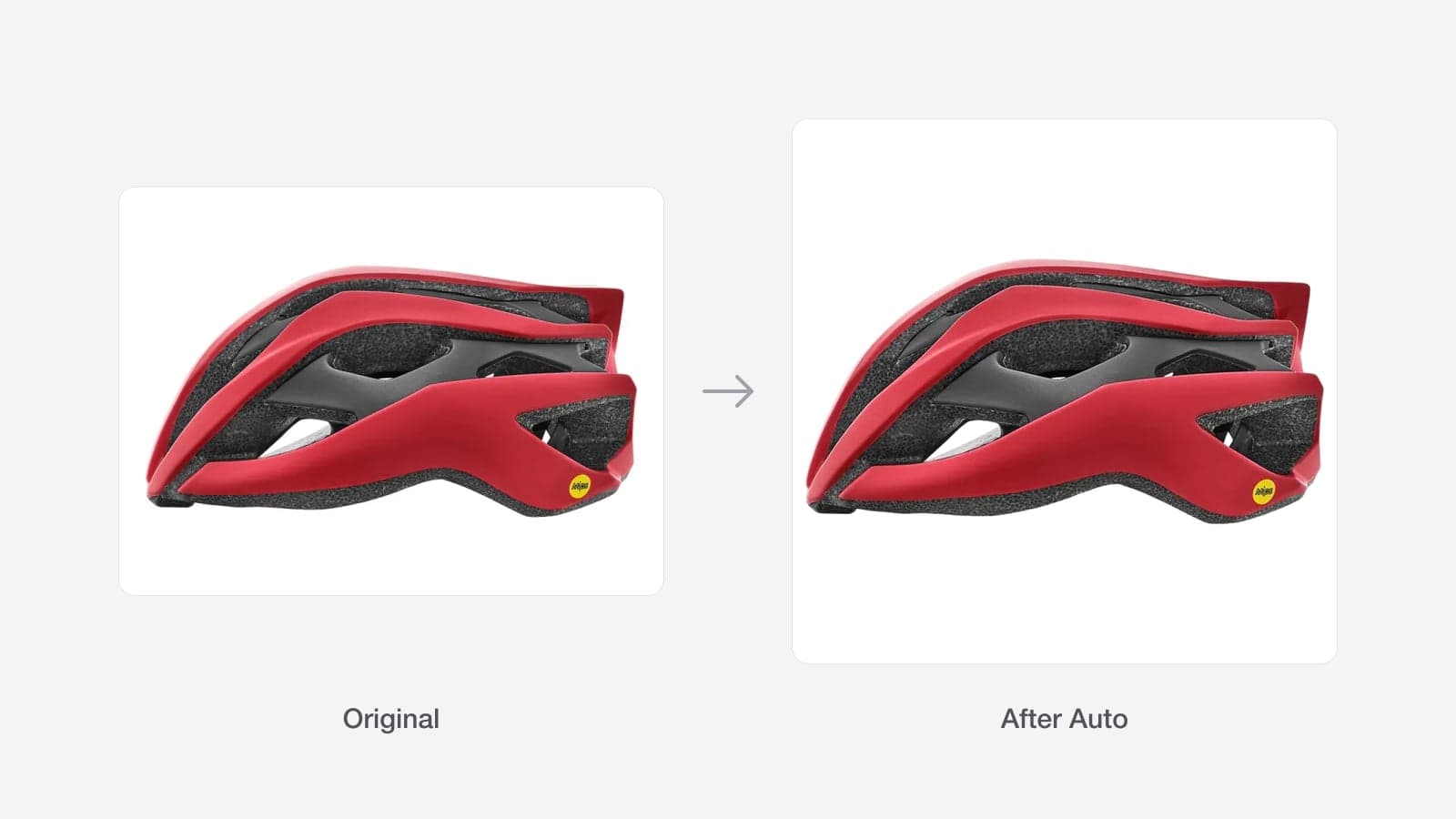
Select images in the image editor and press Auto. Turbo MT works out whether each one is a studio shot or a lifestyle photo and edits it to suit.
Studio shots have the background removed, then are cropped to the product and centred with an even white border. Lifestyle photos are cropped in around the product instead, so they fill the frame without white bars. Both come out in your store's image shape, which is square for most stores.
Auto is a good first pass for a whole product. If one image needs something different, select just that one and use Remove background, Make square or Crop, or Restore original to undo it.
Recent updates
View all- Smarter product names
Product names are cleaner and more consistent, and handle men's, women's and kids' products better.
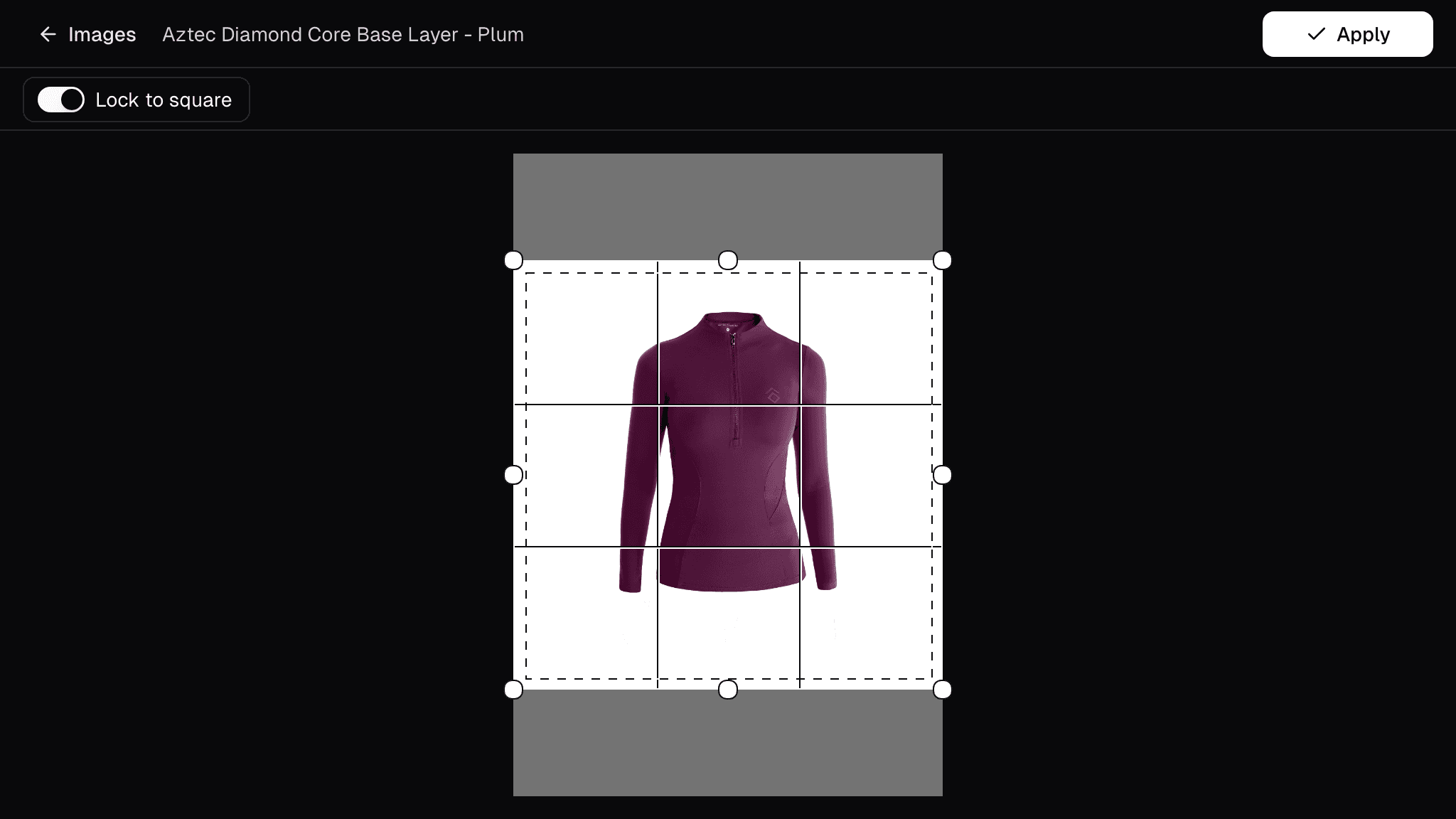 New image editor
Undo and redo edits until an image looks right, fix a whole product's images at once, and crop with a guide that matches your store's framing.
- Improved Quick Search
Open Quick Search from the header or with Cmd/Ctrl+K to jump straight to any app, page, product or job.
Get new stock live in minutes
Turbo MT sources images, descriptions and specs for you, so new stock goes live the same day.
Start a 30-day free trial


115,000+ products activated