Bulk edit products without a spreadsheet
Change hundreds of products in minutes with no spreadsheet. Edit them in a table in Turbo MT, or describe the change in your own words, and check every change before it reaches Cloud MT.
Click Edit in Turbo MT on the Bulk Import & Export page. Pick your products with filters, or just describe them, then choose the columns you want to change.
Click a cell twice to edit it. Fields like Active, Gender and Colour open a list to pick from, and descriptions open in the same editor as Product Activator. A changed cell is shaded, with a button to put the old value back.
Every column has a filter, so you can find just the products you want, like every female product or every product without a description. Tick them all and use Set value to give them the same value: only the filtered products change.
Or describe the change in the box above the table, like "make every red product inactive". The table shows each change first, with the old value crossed out, and nothing changes until you click Apply.
You can also copy a column from Excel, click the first cell and press Ctrl+V.
Nothing changes in Cloud MT until you click Review changes and then Import, and you can undo the import afterwards like any other.
Recent updates
View all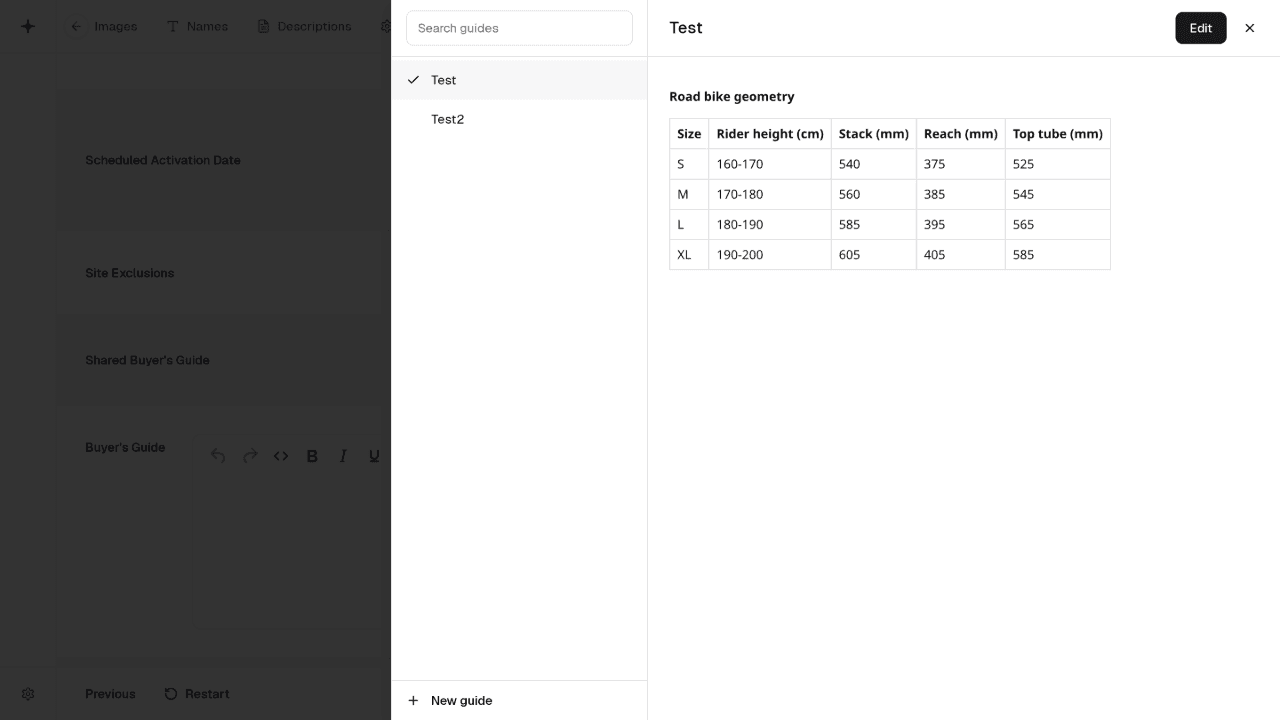 Shared buyer's guides
Pick a shared buyer's guide for a whole colour group, see and edit every guide without leaving the product, and set guides in bulk with the new Shared Buyers Guide column.
 Build your own export filters
Filter exports by any product field, pick several values at once, and mix "and" with "or". Or describe the products in your own words and the filters are set for you.
 Faster Bulk Import & Export, with undo
We've made a number of improvements to Bulk Import & Export. You can now undo an import, fix common mistakes without re-importing your file, and imports are up to three times faster.
Update thousands of products in minutes
Bulk update your Cloud MT products using the Excel and CSV files you already have.
Start a 14-day free trial


2,500+ bulk imports completed