Upload your own product data files
Upload CSV or XLSX files from the Product Activator home page and Turbo MT uses them when formatting names, descriptions, tech specs and size guides.
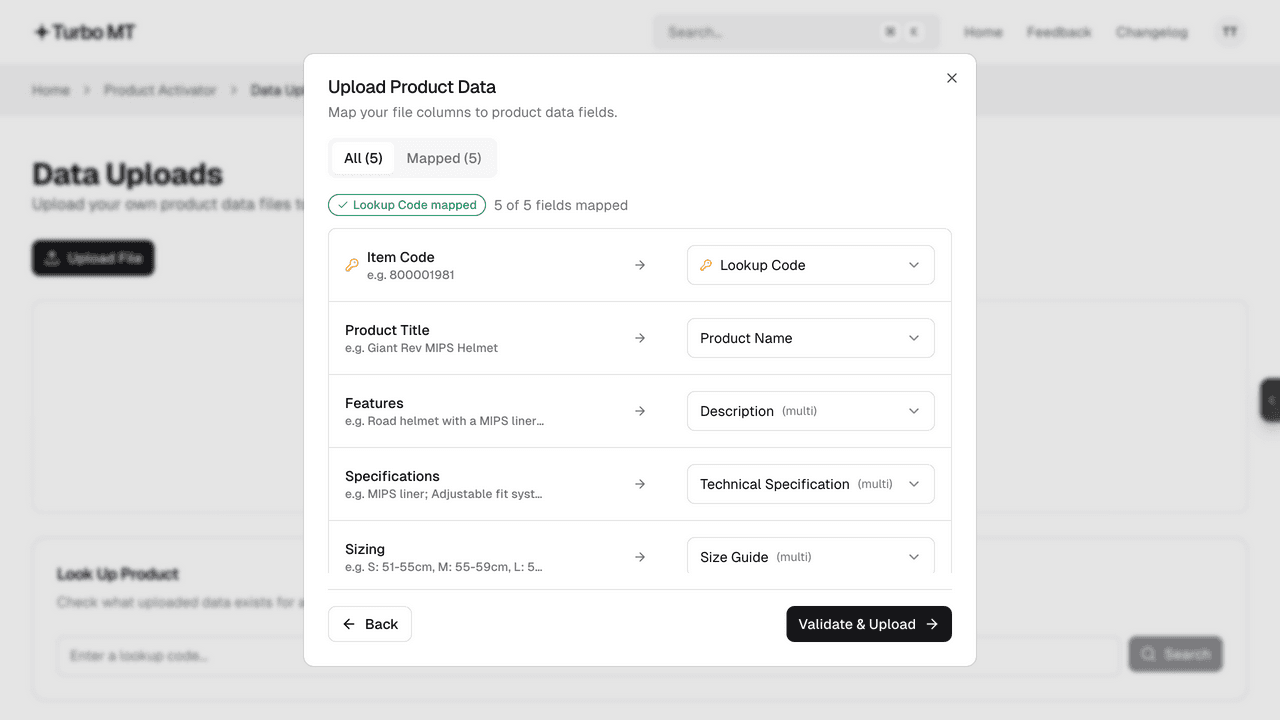
Choose Manage Uploads on the Product Activator home page and upload a CSV or XLSX file of up to 10 MB. Match your columns to Lookup Code, Product Name, Description, Technical Specification and Size Guide. Only Lookup Code is required, and a description, tech spec or size guide can be built from several columns.
Turbo MT checks every lookup code against Cloud MT before saving the file. When it formats a product, it uses your data alongside what it finds online, and it can write the description, tech spec and size guide from your file alone when no website has the product.
You only need one row per colour group: a row for any colour is used for the whole group. To check what's stored for a product, enter its lookup code under Look Up Product on the uploads page.
Recent updates
View all- Smarter product names
Product names are cleaner and more consistent, and handle men's, women's and kids' products better.
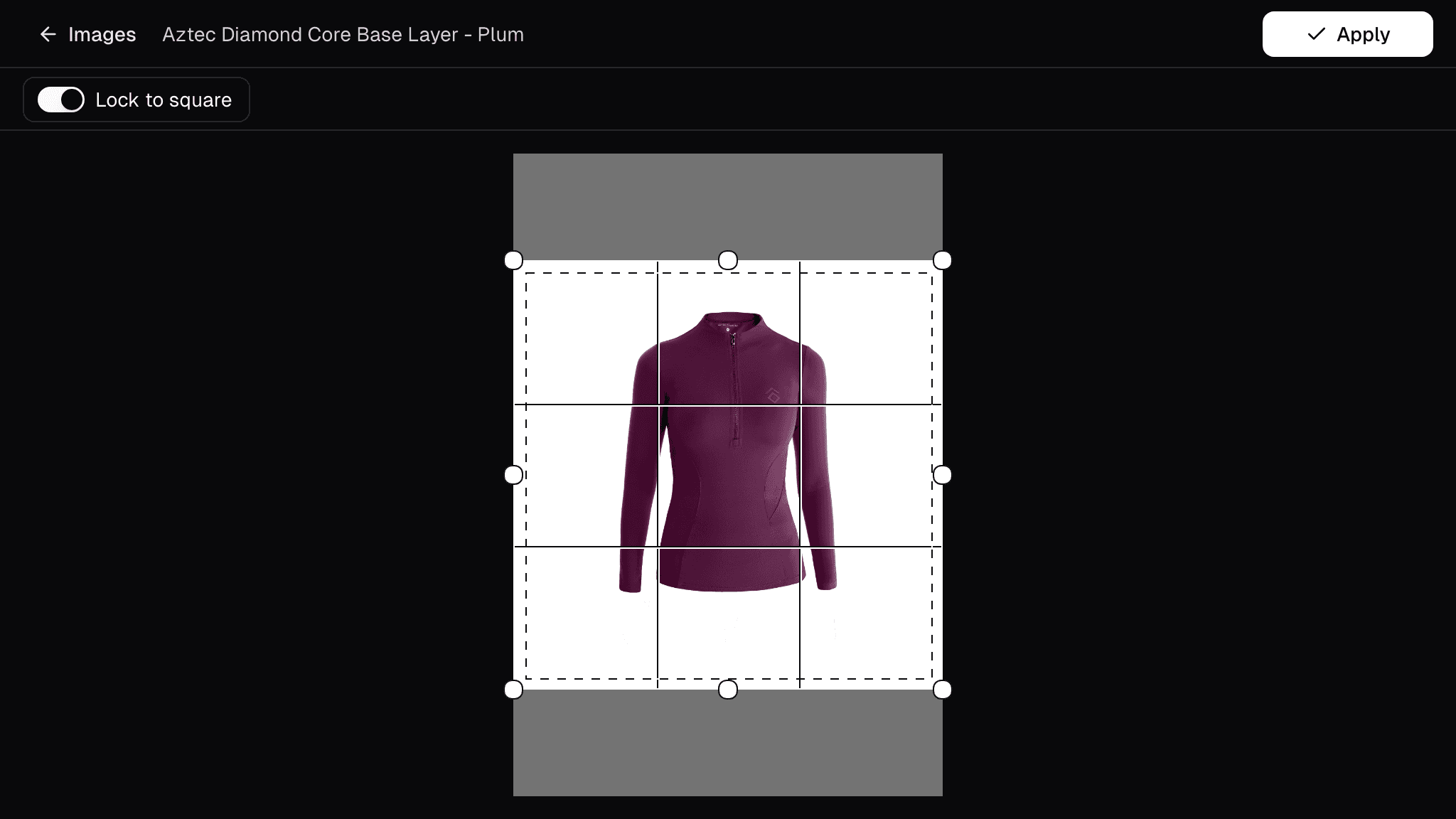 New image editor
Undo and redo edits until an image looks right, fix a whole product's images at once, and crop with a guide that matches your store's framing.
- Improved Quick Search
Open Quick Search from the header or with Cmd/Ctrl+K to jump straight to any app, page, product or job.
Get new stock live in minutes
Turbo MT sources images, descriptions and specs for you, so new stock goes live the same day.
Start a 30-day free trial


115,000+ products activated